Planet Ant Poster Branding
Our goal is to give you as much freedom as possible in the creation of your show poster while making sure some required and standard stuff goes on it in the process.
Below you’ll find our requirements for design and print.
Poster Overview
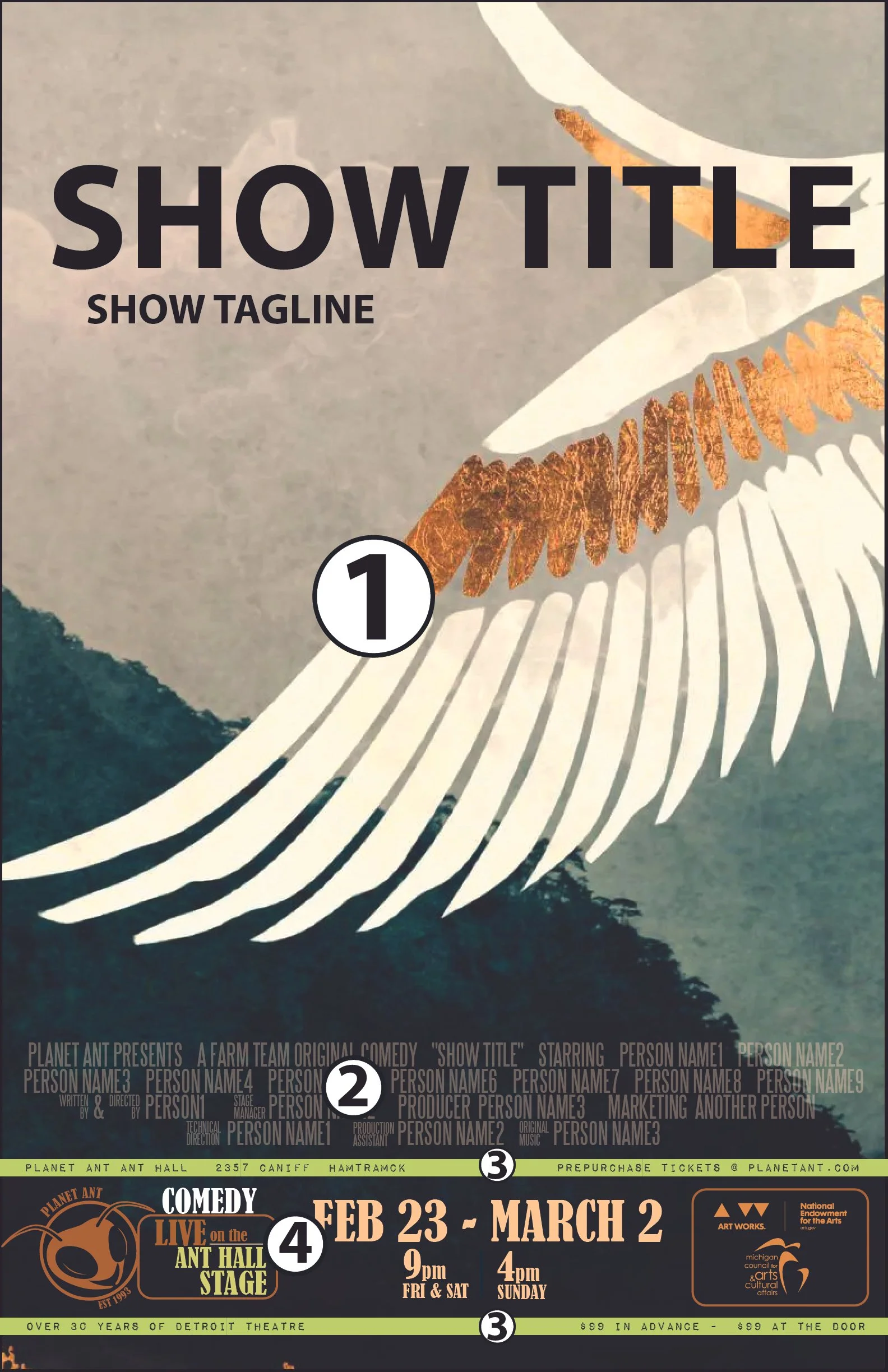
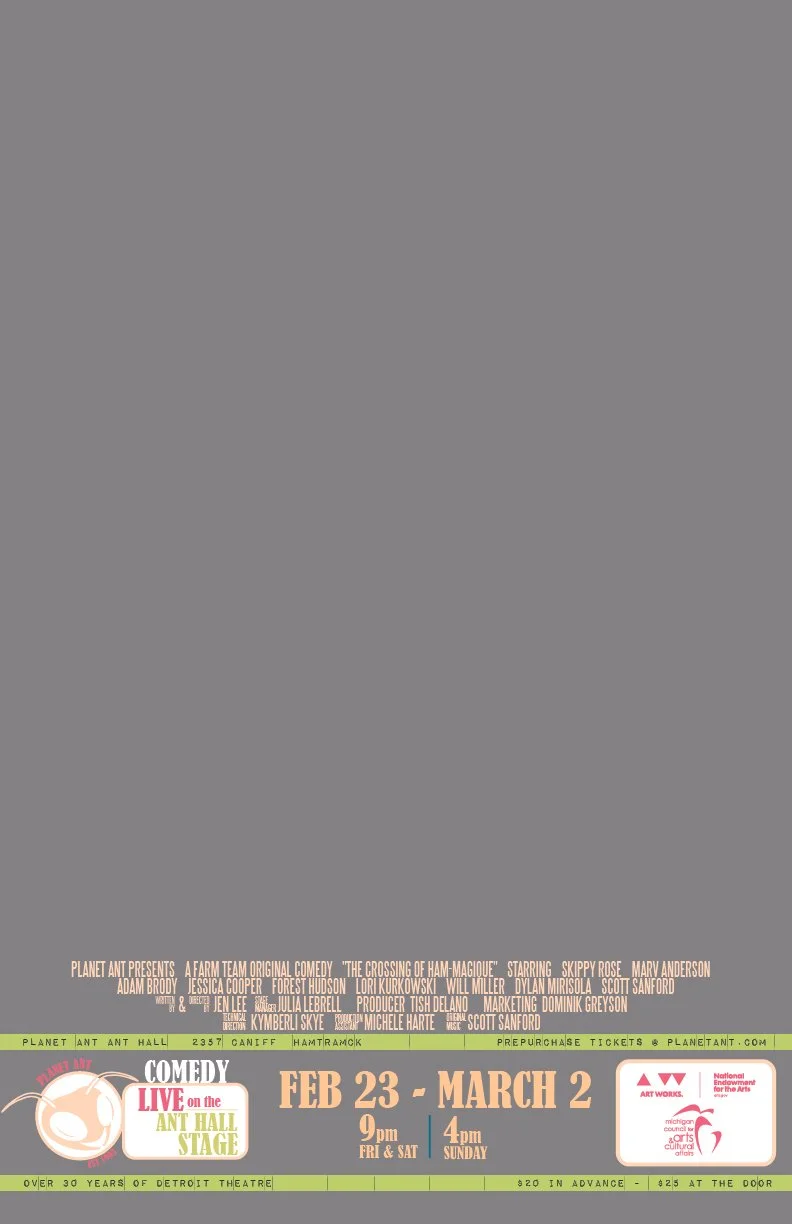
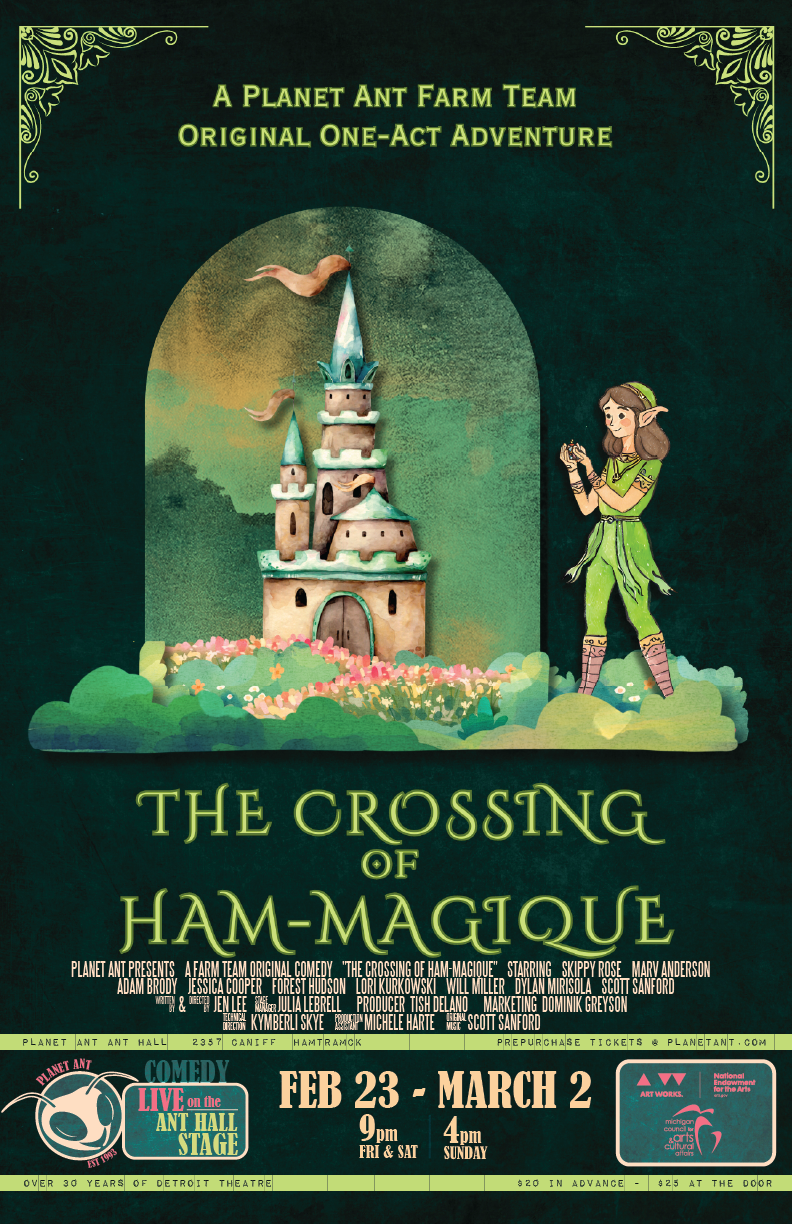
Posters are 11×17 with no bleed. The coloring for the entire poster is up to the designer. We have 3 sections that are required on our posters besides your design.
MAIN ARTWORK/TITLE AREA (Your Design)
Posters may be designed with any artwork, graphics or pictures of any kind that are approved by the director.CAST AND CREW BLOCK (Customize)
This section uses the STEEL TONGS font to mimic the style of posters created for film. Make sure to customize what type of partner show you have.
example: PLANET ANT PRESENTS A HOME TEAM PRODUCTION
INFO BARS (Customize)
IMPACT LABEL REVERSED is the font used on these bars. These 2 bars contain the theatre address, website, theatre tagline, and price. Make sure to check that the address and price is correct for your production.
TIME/DATE/LOGOS (Customize)
This section tells your audience who, where and what this show is.
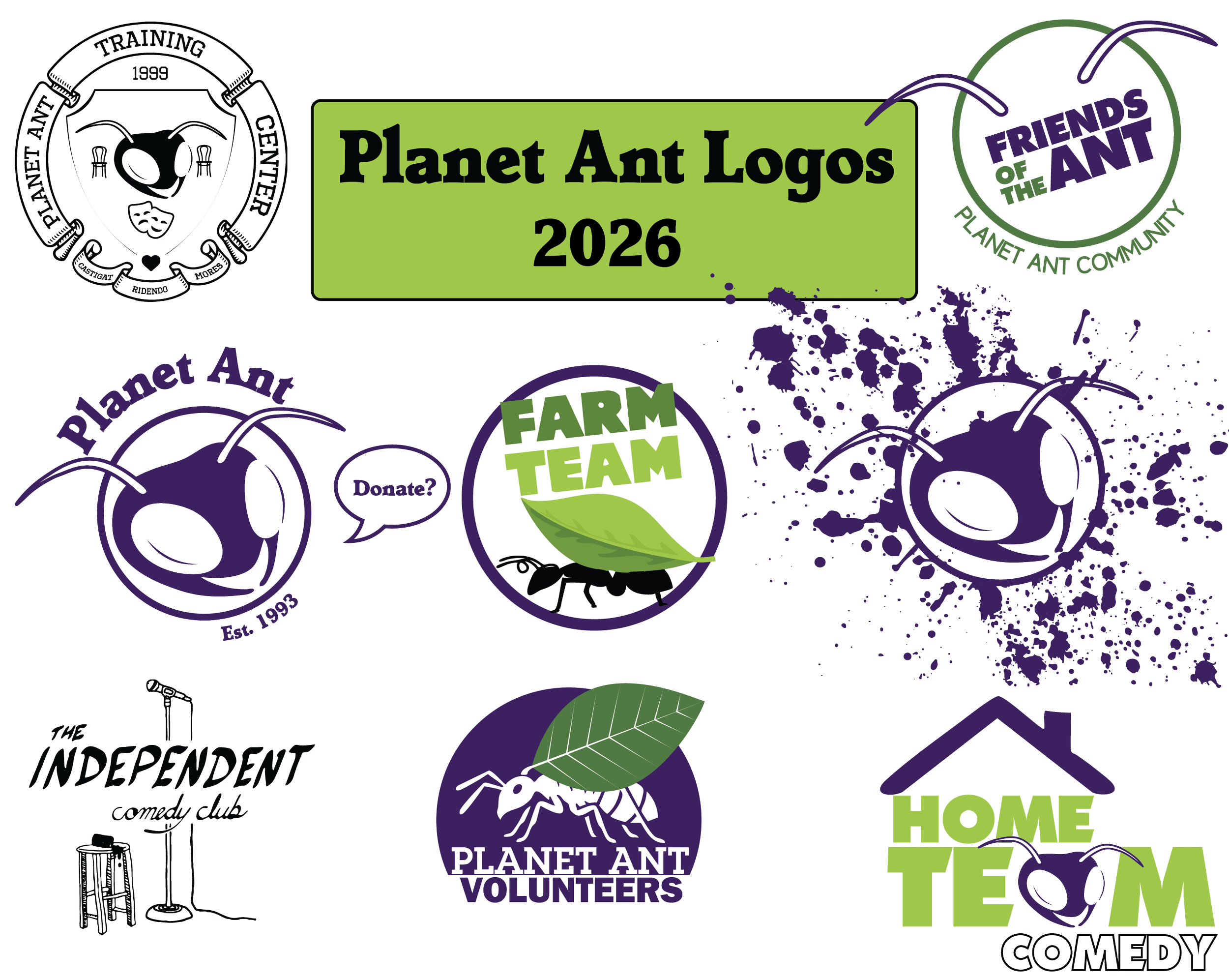
LEFT SIDE: Customized with your Planet Ant logo this tells audiences what type of show it is and what stage it will be on. BERNARD MT CONDENSED is used for the block with type and location. The type of show is entirely up to you. We have 3 performance locations. ANT HALL, BLACK BOX, or INDEPENDENT
example DRAMA Live on the BLACK BOX stage.
CENTER: The date, times, special showings of your show. Feel free to customize this text in ANY FONT or style
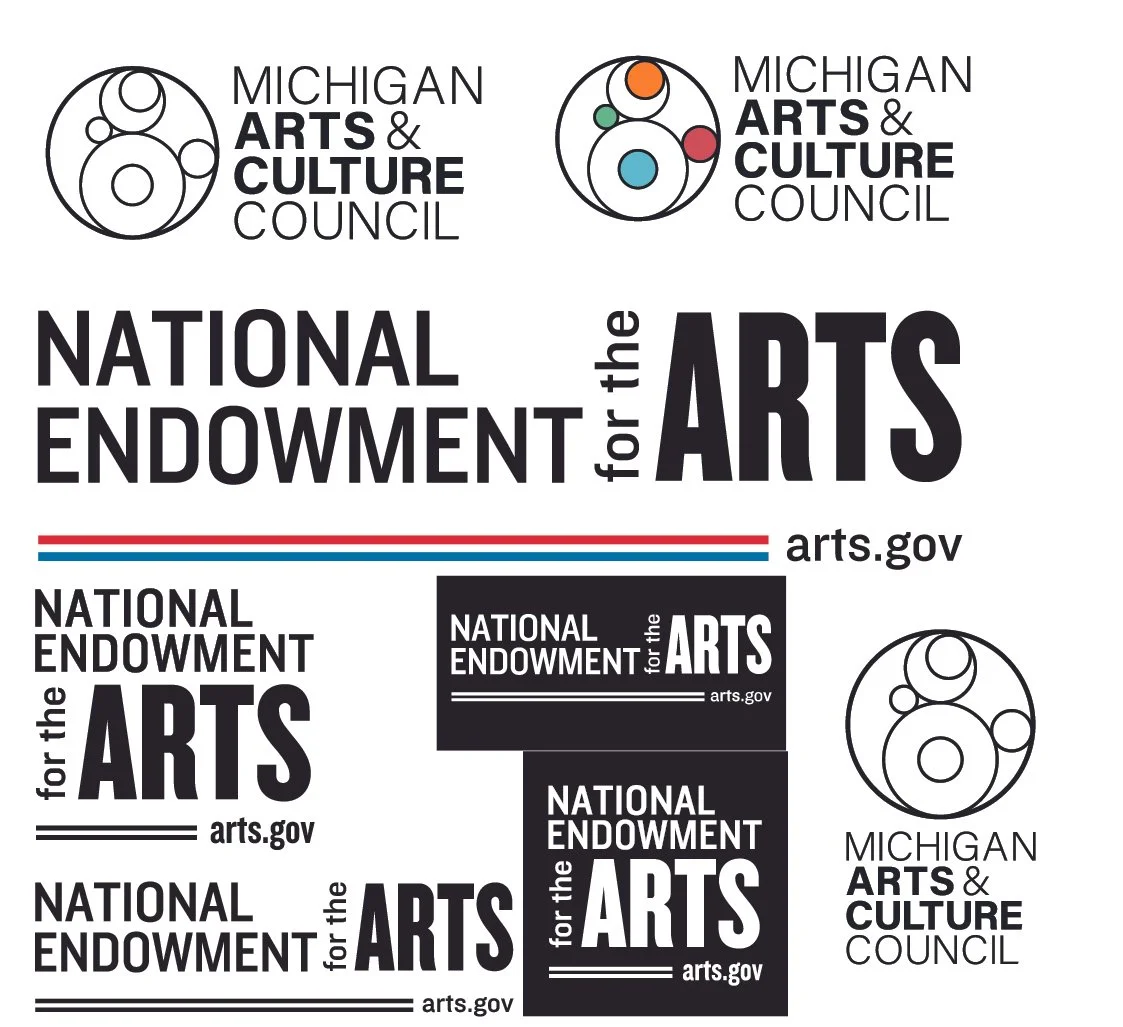
RIGHT SIDE: Two required logos for our nonprofit.
FONTS INCLUDED:
Steel Tongs
Impact Label Reversed
Bernard MT Condensed
FILE TYPE:
Adobe Illustrator - March 2026


Poster Requirements Checklist
Before you hit "Send," run through this quick list to make sure your poster is ready:
File Requirements
[ ] Dimensions: Is your artboard exactly 11 x 17 inches?
[ ] Fonts: Are you using Steel Tongs for credits, Bernard MT for the location and Impact Label Reversed for the bars?
[ ] Color Mode: Is your document set to CMYK (not RGB)?
[ ] Resolution: Did you export at 300 DPI?
[ ] File Format: Is it a .TIF file with LZW Compression?
[ ] Bleed: Have you ensured there is no bleed (design ends exactly at the edge)?
Poster Sections in Required fonts STEEL TONGS, IMPACT LABEL REVERSED, and BERNARD MT CONDENSED
[ ] Cast and Crew Block: Is this section clear, legible text above the info bars that lists everyone who worked on the show? Names spelled right?
[ ] Info Bars: Got the right theatre address and ticket price?
[ ] TIME/DATE/LOGOS: Do you have the required logos for the PA Nonprofit? Do you have the correct logo on the left side?
Free Alternatives to Adobe Illustrator
If you don't have access to Illustrator, these free tools can open the official .ai template, allow you to edit the text, and export high-quality files for the Planet Ant printer. While it is possible to use Canva Pro to work on the template it requires extra steps and is not recommended.
1. Photopea (Browser-Based)
Photopea is a powerful, free web-based editor that looks and feels exactly like Photoshop. It is the easiest way to make a fast change without installing software.
Skill Level: Beginner to Intermediate.
Best For: Quickly changing dates, names, or titles directly in your browser.
How to use: Go to Photopea.com, open the .ai file, and use the Type Tool (T).
Pro Tip: To keep it 300 DPI, go to Image > Image Size and ensure the DPI is set to 300 before exporting as a .TIF.
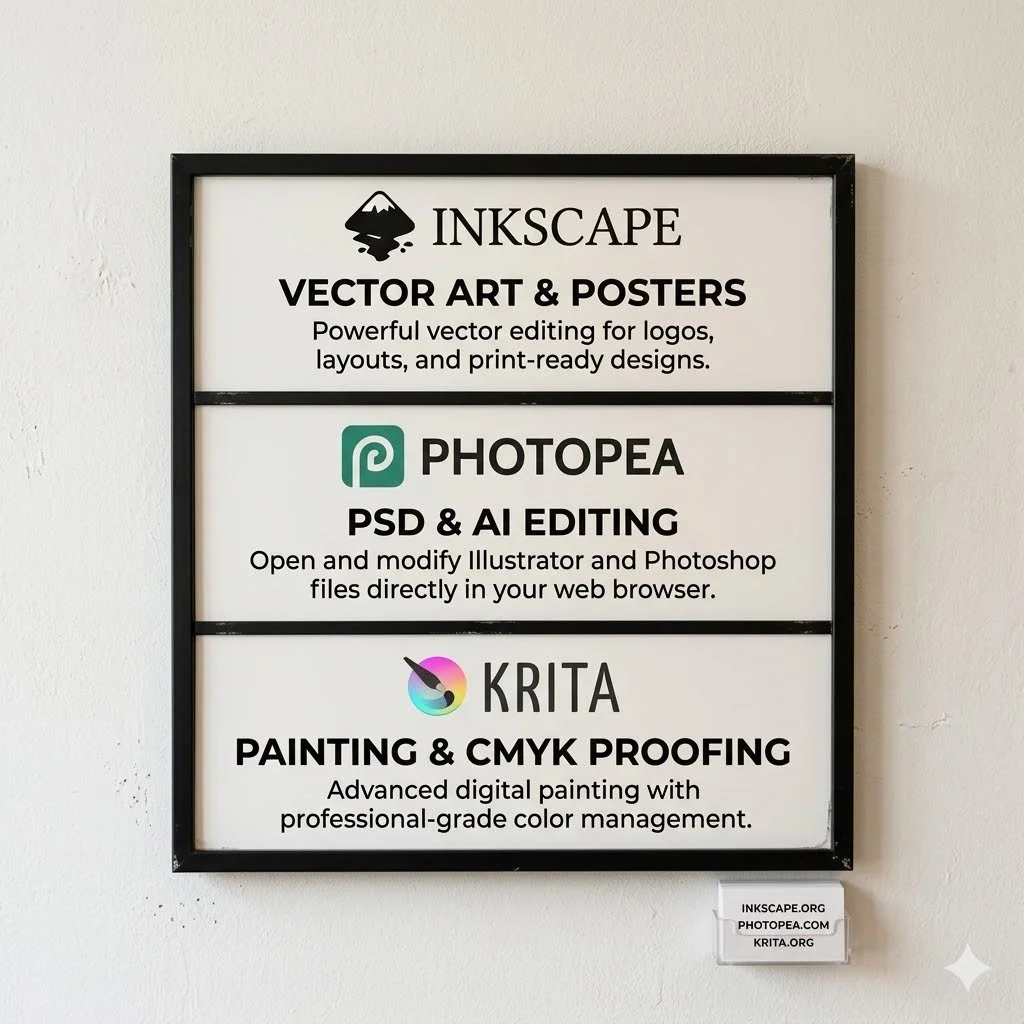
2. Inkscape
Inkscape is the leading open-source alternative to Illustrator. It is a desktop program that gives you full "vector" control over the template.
Skill Level: Intermediate to Pro.
Best For: Users who want to move logos around or do more complex design work without losing quality.
How to use: Download at Inkscape.org. When opening the .ai file, use the "Poppler/Cairo" import setting to keep the text editable.
Pro Tip: Inkscape does not support CMYK natively. If your colors look "neon" on the screen, don't worry—the printer will convert them, but for the best results, use Scribus to do a final CMYK color check.
3. Krita
While primarily a digital painting tool, Krita has excellent "Soft Proofing" features that show you exactly how your colors will look when printed in CMYK.
Skill Level: Intermediate.
Best For: Designers who want to add hand-painted elements or textured backgrounds to their posters.
How to use: Download at Krita.org. It can import .ai files as flattened layers or "raster" images at 300 DPI.
Pro Tip: Use Ctrl + Y to toggle "Soft Proofing" to see if your colors are "out of gamut" (too bright for the printer to handle).
⚠️ A Note on Fonts
Regardless of which program you use, you must install the branding fonts (Steel Tongs, Bernard MT, etc.) on your computer before you open the software. If you don't, the program will "substitute" the font with something else, and your poster won't match the Planet Ant brand.